1. Enable Price Lists add-on
Features > Price Lists
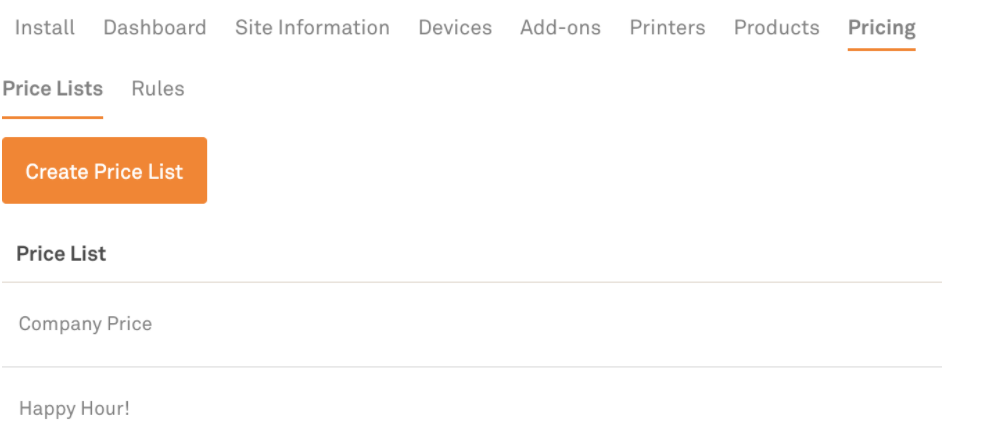
2. Create Price List
My site > Pricing > Create Price List > Enter Price List name
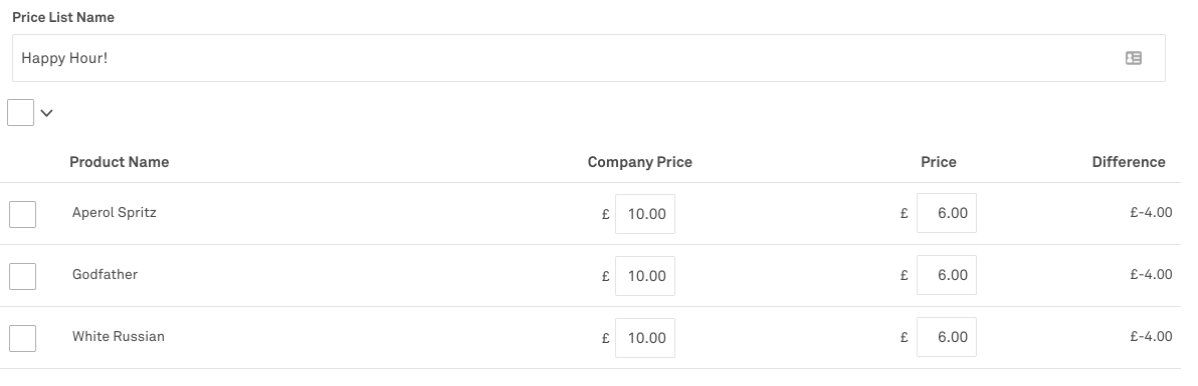
3. Add bespoke pricing
Click settings cog > Amend ‘Price’ to discounted price
4. Set up Rule
Rules > Add new rule > Select day > Select time > Change ‘Change price lists to’ to the new price list